Real-Time Adherence
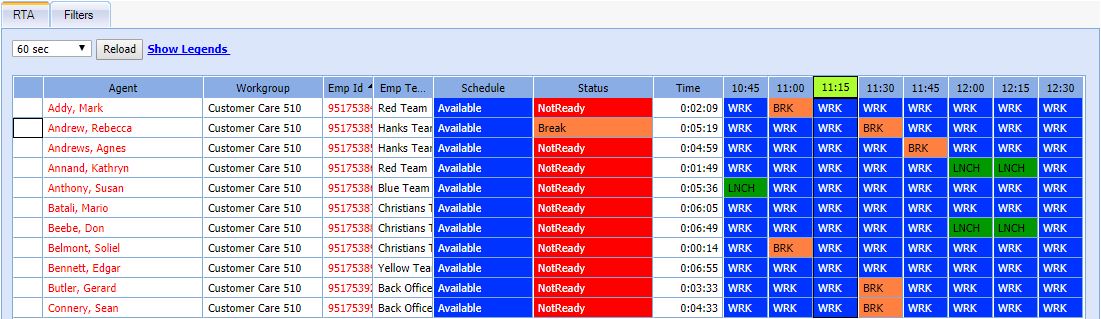
Using the Real-Time Adherence (RTA) feature, you can monitor and record the real-time status of employees. An employee can be in any status at a given point in time. To make things simple and easy to understand, WFO Live uses color codes for each status. The real time screen uses this color code to display the current status of the employees.
What do you want to do?
Tasks in this Topic Include:
Related Tasks:
Show Legend
-
Select Manage from the left-navigation menu.
-
Select Real Time Adherence.
-
Select Show Legend.
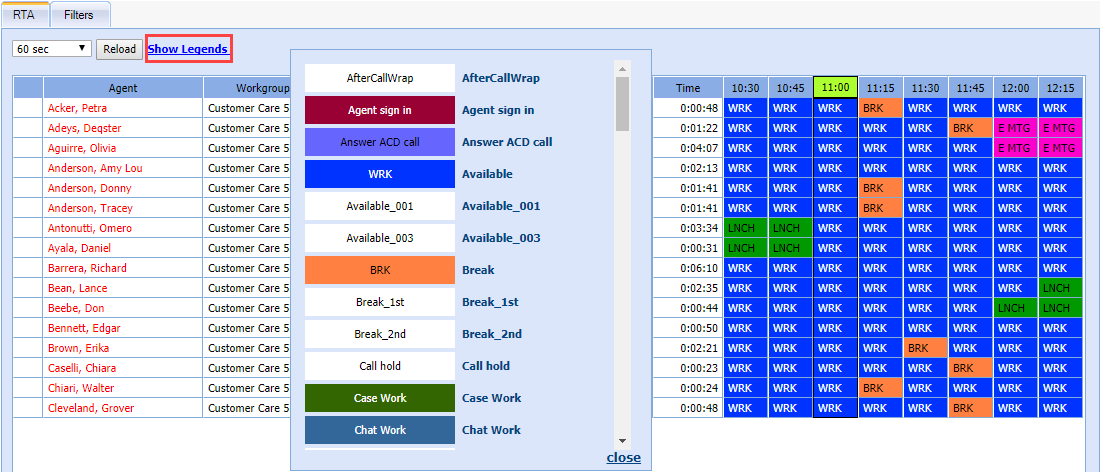
Refresh Frequency
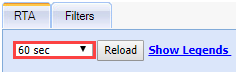
The refresh frequency for the Agent Status screen can be set to 30 seconds, 45 seconds, or 60 seconds. If you set the refresh frequency to 0 seconds it will actually freeze the screen. This allows you to view the agent states for a longer time, or you can select Reload at any time to refresh the screen.
Set Refresh Frequency
-
Select a refresh rate from the drop-down menu.
-
Select Reload.
Setting Filters
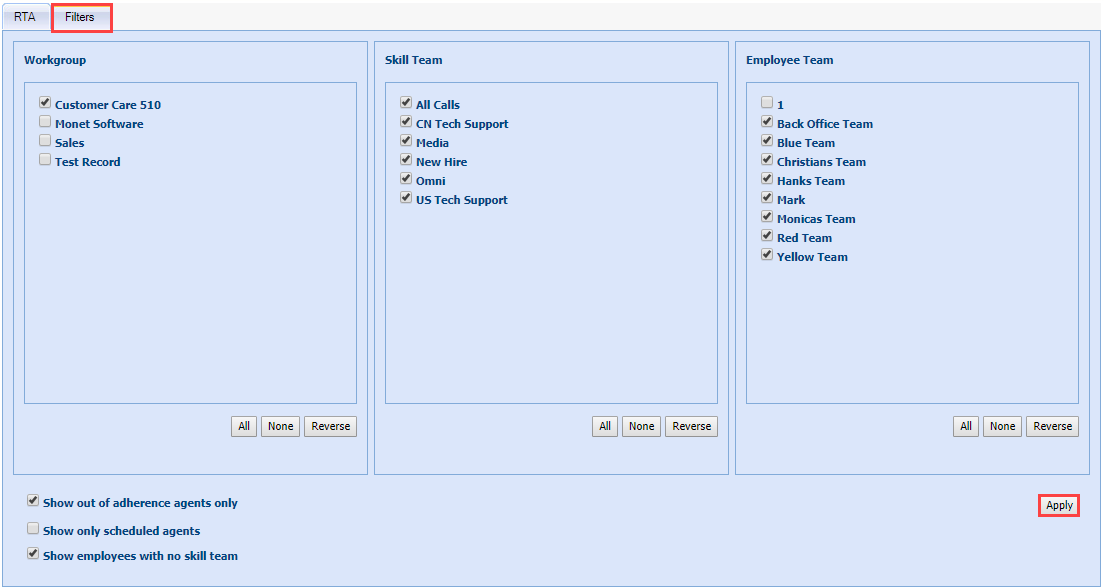
To view Real Time Adherence information for a specific Workgroup, Skill Team, or Employee Team, modify the Filter settings.
Set Filters
-
Select the Filters tab.
-
Select the check box of each option to view.
-
Select Apply.